msg@msgbrightspot.com
240-422-7021
LinkedIn: www.linkedin.com/in/margaret-garguilo-28210a3
UEI: VA99USGSJ1H8
CAGE CODE: 15ZM7
NAICS: 611420, 611430
EIN: 30-1458775
Certified through the U.S. Small Business Administration (SBA) WOSB Program
msg@msgbrightspot.com
240-422-7021
LinkedIn: www.linkedin.com/in/margaret-garguilo-28210a3
UEI: VA99USGSJ1H8
CAGE CODE: 15ZM7
NAICS: 611420, 611430
EIN: 30-1458775
Certified through the U.S. Small Business Administration (SBA) WOSB Program

The MSG Brightspot Client Journey:
Product features:
<< Click thumbnail to view project
Product features:
<< Click thumbnail to view
Description:
This Healthy Habits game demonstrates how I engage the learner through a spin the dial game. It offers complex features yet is scalable, portable and customizable.

Product features:
<< Click thumbnail to view project
Description:
This Executive Core Qualifications lesson is part of a multi-unit online HR supervisory course. The understaffed and overworked HR department was tasked to train civilian professional supervisors on all responsibilities inherent to supervisor roles.
Due to confidentiality, I have recreated this lesson.

Product Features:
<< Click thumbnail to view project
Description:
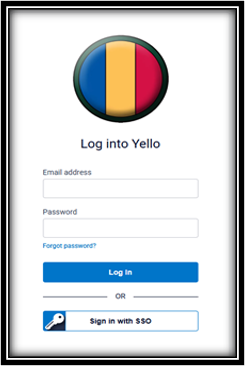
This Yello Job Board Overview work sample was the result of a direct request from the stakeholders for a printable user manual. It served as a virtual introductory training resource for hiring managers. It demonstrates my ability to bridge the gap between a technical application and cthe learners' perspective.

Product Features:
<< Click thumbnail to view project
Description:
This work sample demonstrates my ability to draft a design storyboard document to present to stakeholders as a draft vision of their requirements and collects feedback.
Product Features:
<< Click thumbnail to view project
Description:
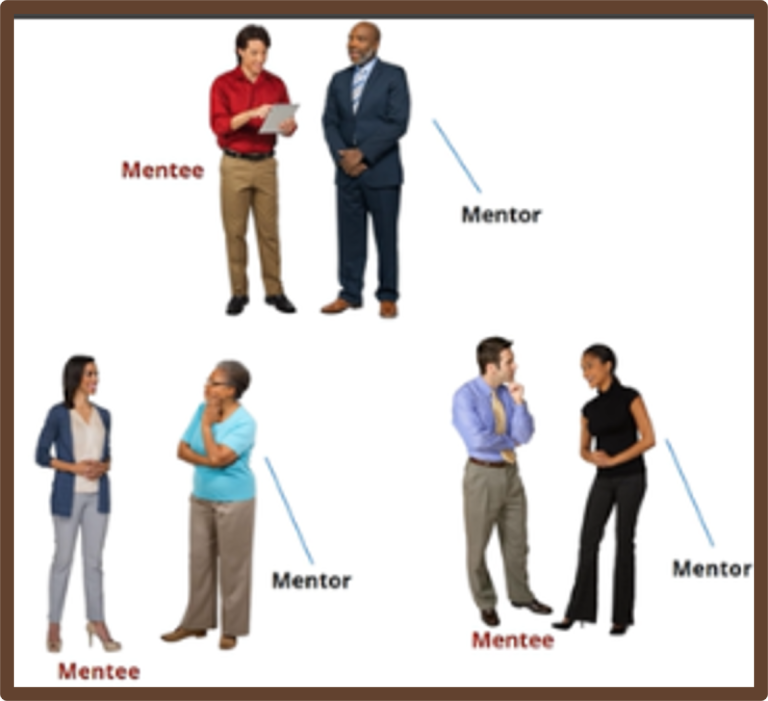
This Speed Mentoring Overview work sample demonstrates my ability to create an animated vignette to explain a new mentoring process sponsored by HR.
Product Features:
<< Click thumbnail to view project
Description:
This Participant Registration workflow demonstrates my ability to automate a manual task and automate repeated processes using SharePoint Power Automate tool. This flow identifies the behind the scenes action steps that support user interactions on a SharePoint form interface for event participants.
Product Features:
<< Click thumbnail to view project
We need your consent to load the translations
We use a third-party service to translate the website content that may collect data about your activity. Please review the details in the privacy policy and accept the service to view the translations.